
Re-entry
By default a ticket on Eventwave is single-use: the first successful scan admits it, every subsequent one is rejected. The organizer can enable re-entry for an individual event (for example for festivals, all-day events or venues with an outdoor area). Attendees are then allowed to leave and come back, but only if every exit is scanned.
The Entry / Exit toggle
Section titled “The Entry / Exit toggle”The toggle appears in the top right of the scan screen as soon as at least one of your assigned events allows re-entry (so it can be visible even while you’re scanning an event without re-entry):
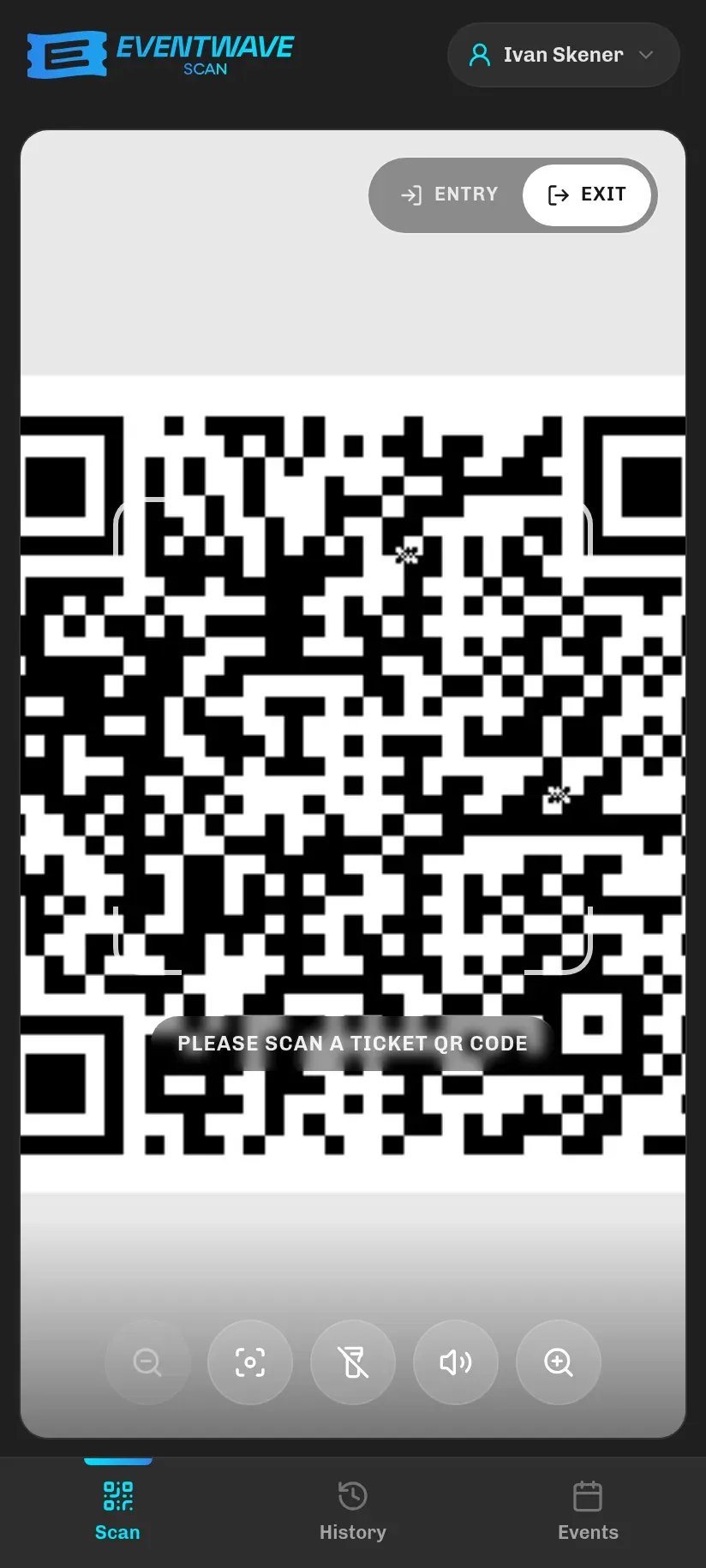
- Entry: normal scanning at the door. This is how you work most of the time.
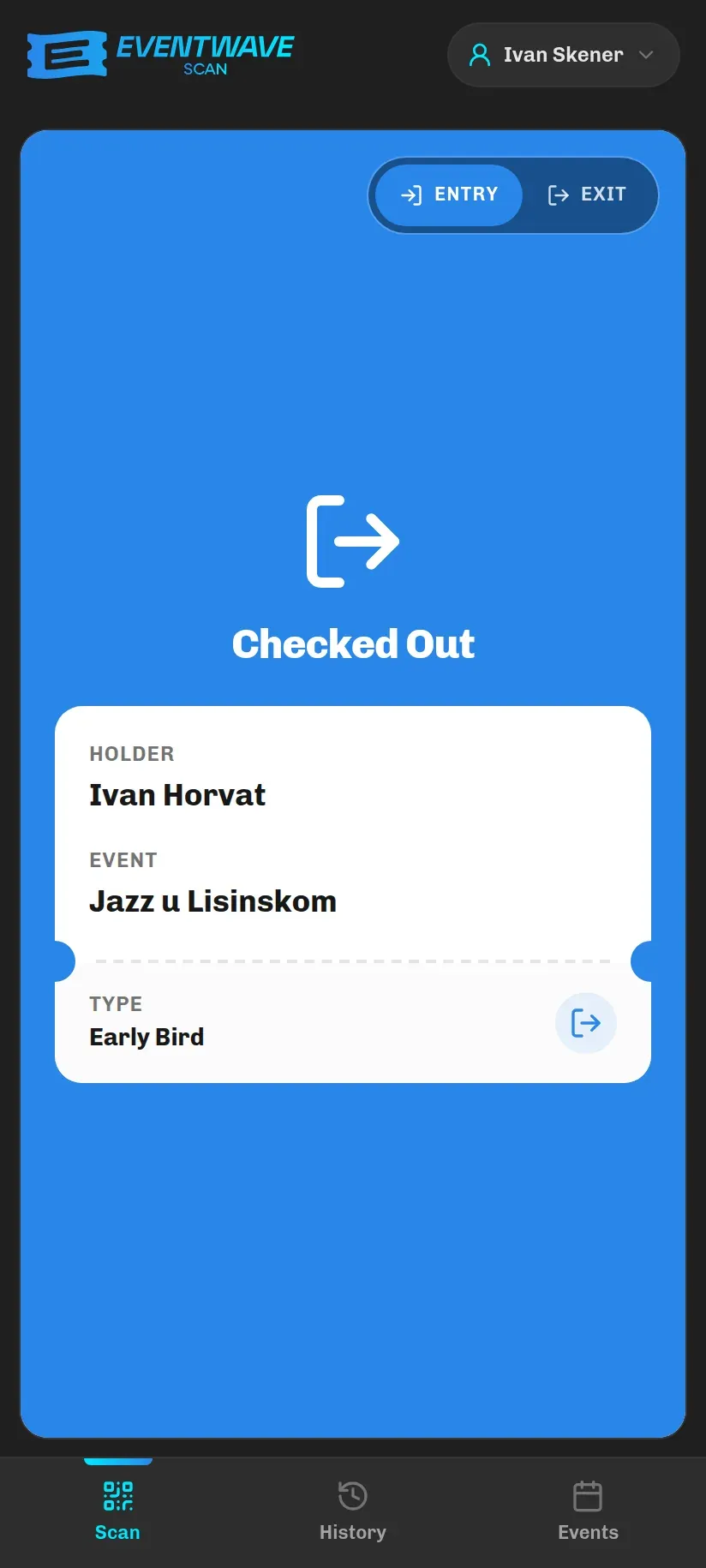
- Exit: scanning people who are leaving. The result is the blue Checked Out message.
The toggle does not pick an event; it applies to any ticket you scan while it’s switched. The server still checks whether that particular event allows re-entry.
How it works
Section titled “How it works”- First entry: a scan on Entry → Success. The ticket is recorded as used (that never changes) and as currently inside.
- Leaving: a scan on Exit → Checked Out. The ticket is no longer inside, and re-entry is enabled. Exit always works, with no time check: even after the event has officially ended, people can leave with a scan.
- Returning: a scan on Entry → Welcome Back.
- Steps 2 and 3 repeat without limit for the duration of the event.
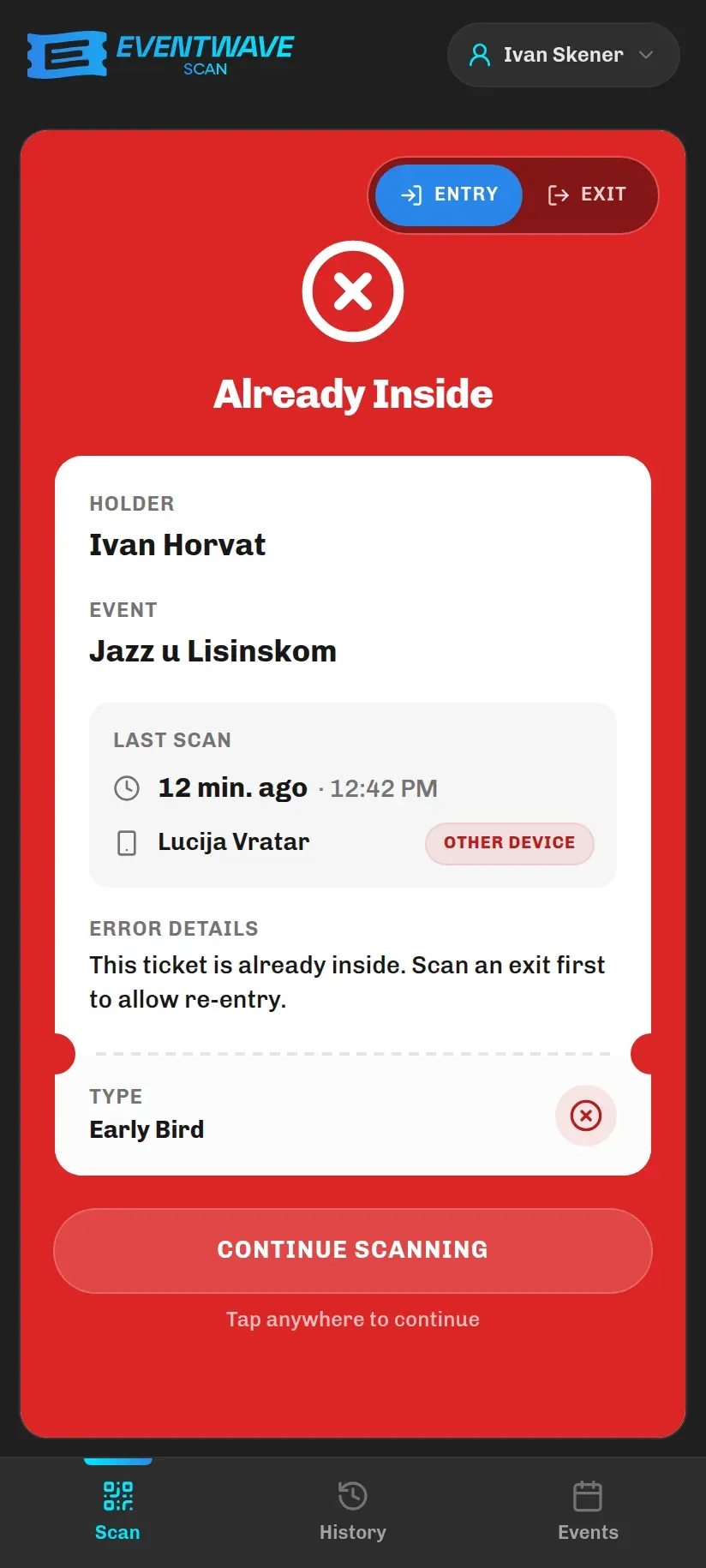
Wrong directions give clear red rejections (they all stay on screen until you tap them, with details of the last scan; see Scan results):
| Message | When |
|---|---|
| Already Inside | An entry attempt while the ticket is already inside according to the records. |
| Not Inside | An exit attempt for a ticket that is not inside (never entered or already left). |
| No Re-entry | Exit used at an event that does not allow re-entry. |
Practical tips
Section titled “Practical tips”- Put someone at the exit too. Re-entry only works if exits are actually scanned. Without exit scanning, an attendee who comes back will get Already Inside. Then scan them on Exit first, then on Entry: two quick scans.
- One phone for both directions. At smaller entrances one person can work both ways; just flip the toggle. When you flip it, the app “forgets” the last code it read, so you can immediately scan the same ticket in the other direction without waiting for it to leave the frame.
- Protection against passing a ticket over the fence. While an attendee is inside, their code cannot enter a second time: not from another device, not from another account. The only exception is the 30-second repeat window for the same phone in the same direction (the duplicate-scan protection for bad connections, which only repeats the already-recorded result).
- The “Currently Inside” statistic. On the Events tab, the Currently Inside tile exists only at events with re-entry, and the number is only as accurate as the exit scanning is consistent.
- A ticket in Apple Wallet stays active at events with re-entry (at single-use events it becomes void after entry).